How to get your money out of Worqen
No withdrawal requests, no waiting for business days, and nobody asking why you want your own money.
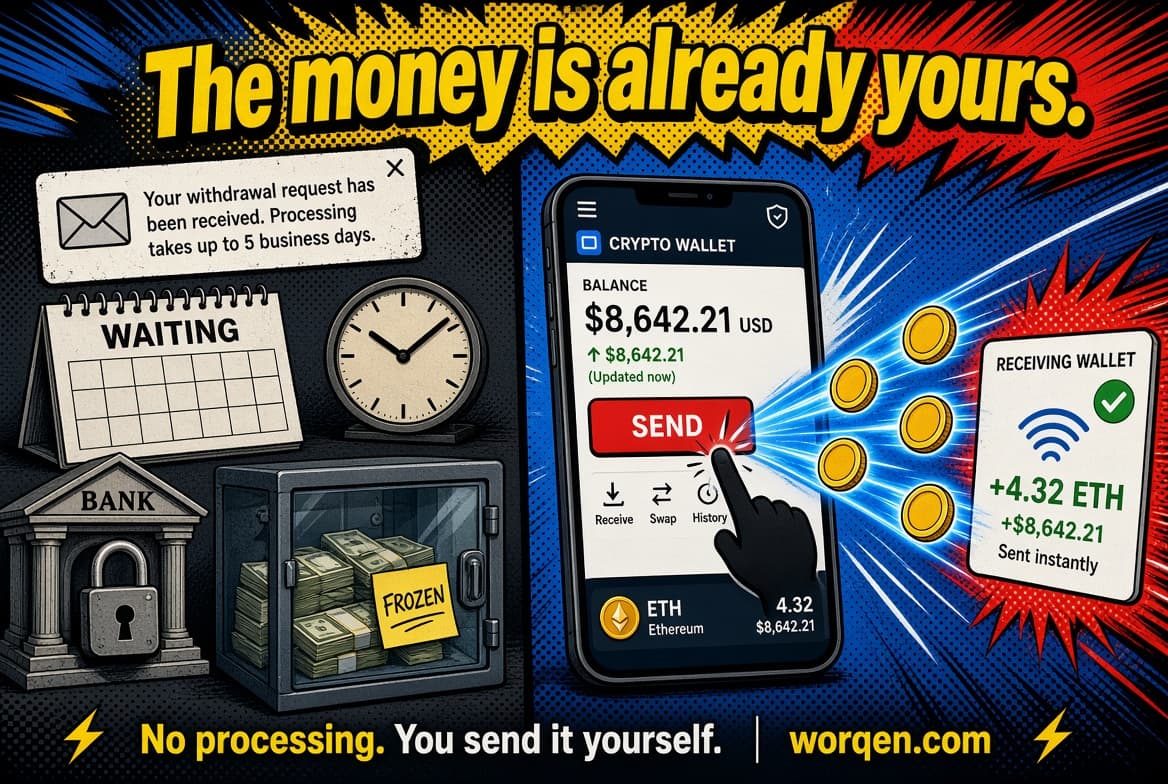
On most platforms where people get paid for work, there's a ritual called "requesting a withdrawal." You press a button, wait for processing, sometimes explain what you need your money for, and three to five business days later it arrives.
We don't have that ritual. Not because we streamlined it away, but because there's nothing for it to attach to: the money is already in your wallet. A withdrawal here is just a transfer, and you're the one making it.
What you have
Open your Wallet and you'll see your balances: USDT, USDC, EURC, SOL. That's what you were paid in, in whatever currency the two of you agreed on.
You'll also see your wallets. One is the platform wallet, created along with your account. Plus any external ones you've connected — your Phantom, Solflare, or whatever you use. You send from your active platform wallet.
Where you can send it
Two scenarios, and they work the same way.
To an exchange - if the goal is to swap it for something else or cash out into your currency there.
To your own wallet — if the goal is simply to hold your money yourself, outside any platform, ours included.
Technically there's no difference: either way you're sending funds to an address on the Solana network.
The one step you can't get wrong
Everything else in this process forgives mistakes. This one doesn't.
The network has to match on both ends.
When you hit "deposit" on an exchange and pick USDT, it asks which network you'll be sending on: Solana, Ethereum, TRON, BSC and others. Our USDT lives on Solana. So Solana is what you select on the receiving side — and you copy the address it gives you after that choice.
Pick one network and send on another, and the funds won't arrive. Neither the exchange nor we can bring them back. That isn't our limitation; it's how blockchains work.
Practical rule: choose the network on the receiving side first, then copy the address. Not the other way around.
Sending
The rest is straightforward. In your Wallet, tap Send and fill in four fields:
Asset - the same one the address was made for. Got a USDT address? Send USDT.